

Start with what you actually need
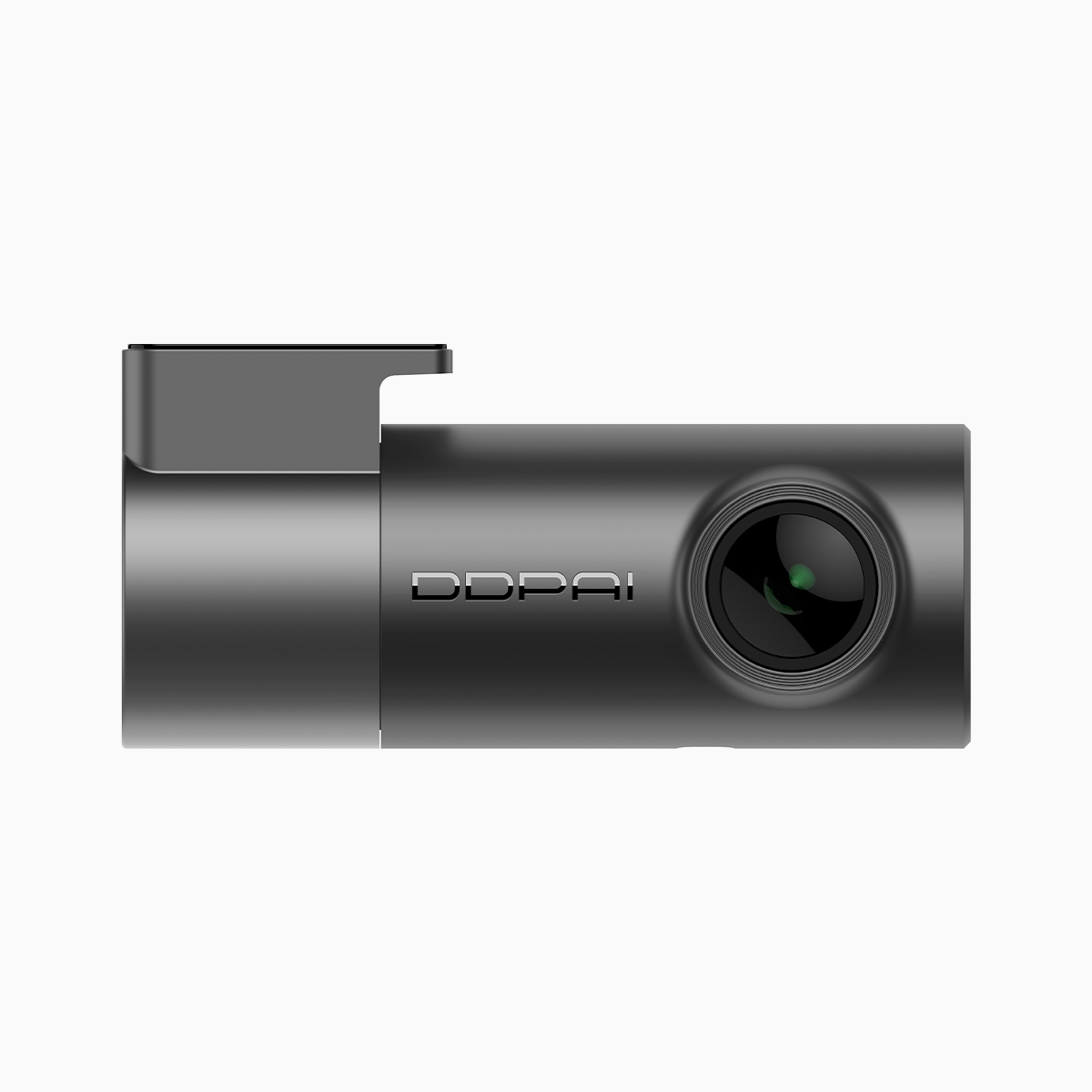
Think like a driver, not a spec sheet. If you commute through tight urban streets—say the rush-hour grind across Metro Manila—you want clear evidence when it matters. That means prioritizing resolution enough to read plates, a reliable app to pull clips fast, and a shape that hides behind the rearview mirror. A practical pick is a budget friendly dash cam that pairs decent image quality with straightforward setup and app control.
Resolution and image quality: match the use-case
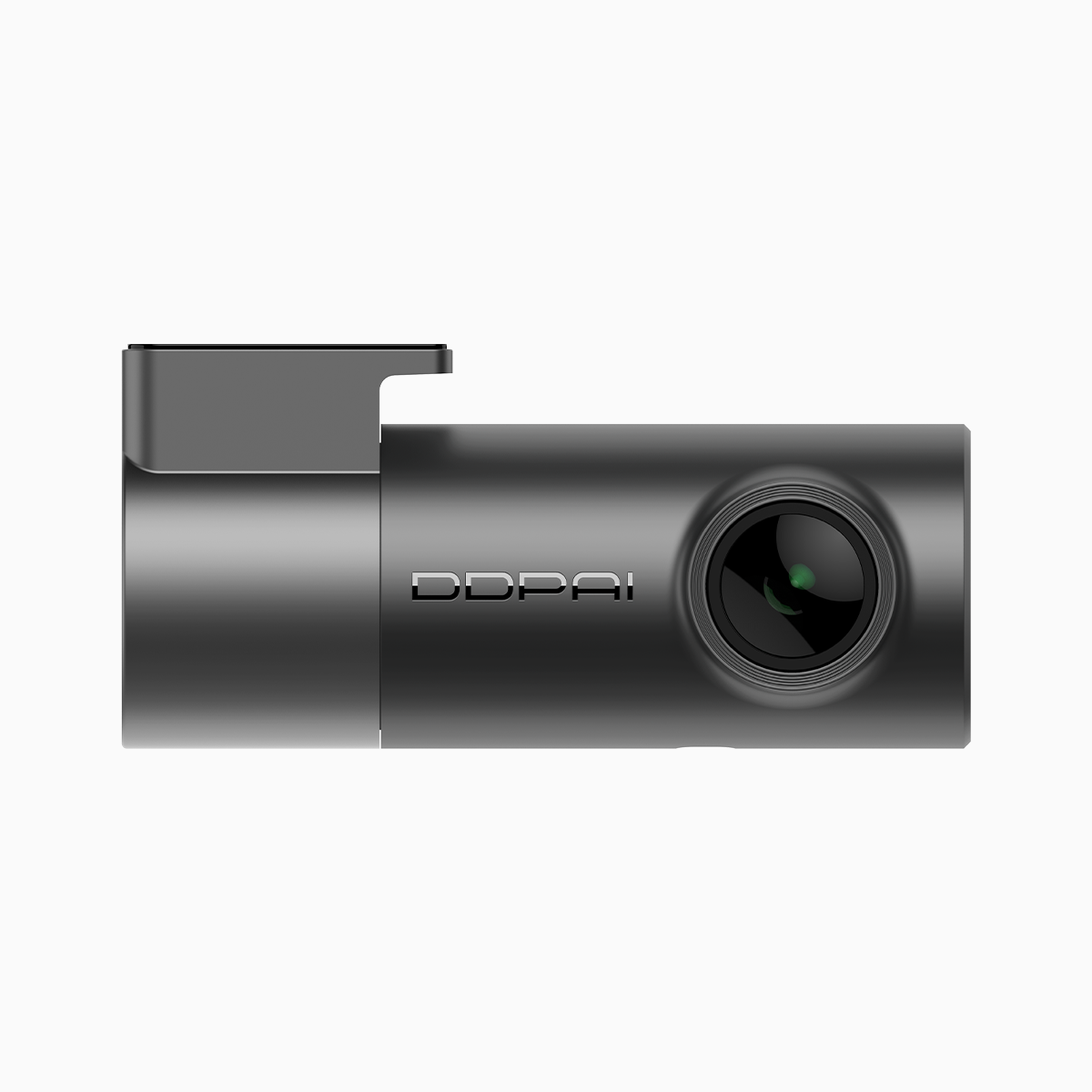
Resolution and frame rate are the headline specs, but they work together. For everyday commuting, a 1440p sensor at 30fps usually gives readable licence plates and smooth motion. If you park on the street or drive fast highways, consider higher frame rate for clearer motion capture. Also check the codec and low-light performance—good HDR can matter more than raw megapixels when shadows and headlights mix.
App connectivity: speed beats feature-overload
An intuitive app saves time. Look for reliable Wi‑Fi pairing, quick video transfer, and simple playback controls. Cloud upload is handy but only if it’s secure and steady on local mobile networks. The best apps make loop recording and incident tagging one-tap processes, not buried menu hunts. Syncing timestamps and GPS data matters too; it gives context to clips and makes any footage usable in insurance or incident reports.
Form factor and installation: small, stable, invisible
Size affects placement and street-level visibility. Mini dash cams mount higher and get a wider field of view without blocking sightlines. Consider the mount type—adhesive vs suction—and the route for power: hardwire kits for continuous parking mode, or a plug-in USB for simpler installs. Compact units also tend to handle heat better in enclosed cabins, which lengthens longevity.
Common mistakes drivers make — and how to avoid them
People buy the highest resolution and then ignore firmware and power setup. Bad move. Firmware updates patch bugs, improve compression, and fix Wi‑Fi quirks. Power wiring is crucial for parking mode; a weak install causes corrupted loop recording. Also, don’t overload storage with massive high-bitrate files—manage bitrate and enable loop recording so you always keep the latest events. Small tweak. Big difference.
Alternatives and budget-friendly choices
Not every driver needs flagship specs. If you want the best affordable option with core features—good resolution, parking mode, and a clean app—look at compact models that focus on day-to-day reliability over gimmicks. The market has several contenders; compare real-world reviews, check consistent firmware support, and prioritize units with clear crash-detection logs. One solid option to consider as you compare is the best affordable dash cam, since practical function often beats flashy extras.

Quick checklist before you buy
– Use-case first: commuting, rideshare, parking, or long trips. – Image essentials: target resolution and frame rate for plate legibility. – Connectivity: stable Wi‑Fi, easy export, GPS timestamps. – Power and parking mode: hardwire vs USB and reliable loop recording. – Form factor: mount, field of view, and heat tolerance.
Three golden rules for choosing a compact dash cam
1) Choose sustained reliability over headline specs—consistent firmware updates and real-world playback matter more than a pixel count. 2) Verify app workflow—if transferring or tagging footage takes longer than the drive, it won’t help in an incident. 3) Confirm power and storage strategy—proper wiring plus loop recording prevents lost or corrupted clips.
These are practical lessons from daily drivers and city traffic realities, and they point to what a dependable brand should deliver—simple setup, solid imaging, and sensible app support. DDPAI PH fits that profile for drivers who want straightforward value and reliable performance—short and useful. —
